
How to Factory Reset Oculus (Meta) Quest?
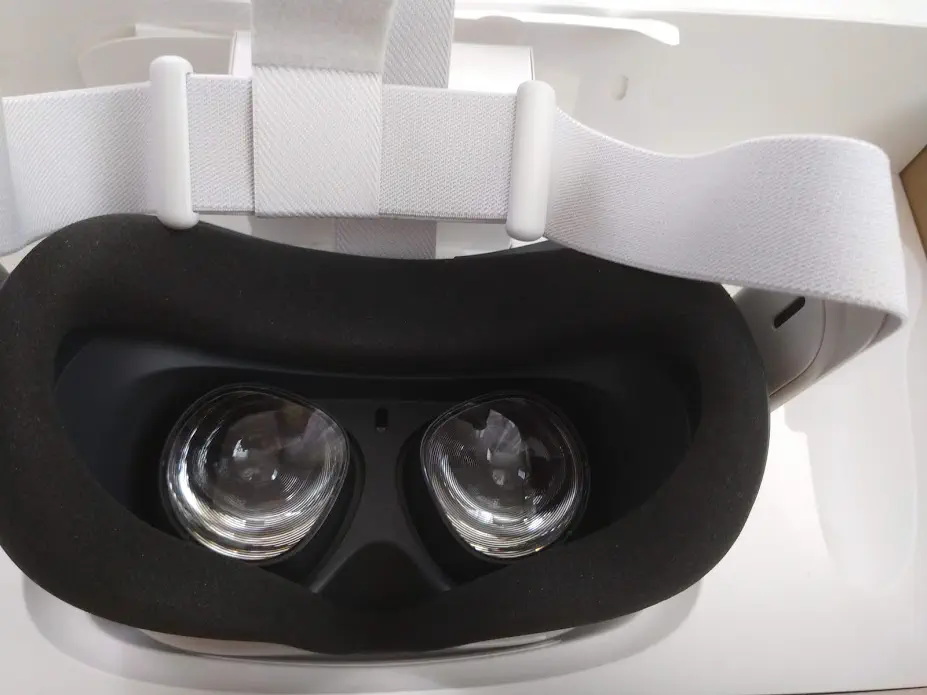 |
|---|
| Photo: Ömer Serdar Ören / omerify.com |
Oculus Quest is currently one of the most popular VR headsets on the market. Although it has been more than a year since its release, there are stock shortages, and people are having a hard time finding brand new devices. Therefore, even the second-hand market is active. If you have decided to sell your Oculus Quest virtual reality headset, want to use it with another account, or just want to reset all settings and start from scratch by resetting it, the information here might be useful to you.
To perform a factory reset using your phone:
- Open the Oculus app on the phone connected to your Oculus Quest headset.
- Tap Settings in the bottom menu.
- Tap the headset connected to your phone.
- Tap More Settings.
- Tap Factory Reset and then Reset.
- Log in to the Oculus app with the account you want to connect to your Oculus Quest headset and set up your device from scratch.
Note: To perform a factory reset on the Oculus Quest using your phone, you must have access to the account connected to the Oculus Quest. You may need to use the same Wi-Fi network.
To perform a factory reset using the headset:
- Turn off your Oculus Quest.
- Press and hold the power and volume down (-) buttons on your headset simultaneously until your headset’s boot screen loads.
- Use the volume buttons on your headset to highlight Factory Reset and press the power button.
- Use the volume buttons on your headset to highlight Yes and press the power button.
- Log in to the Oculus app with the account you want to connect to your Oculus Quest headset and set up your device from scratch.
If you have trouble turning on your Quest after performing a factory reset, press and hold the power button for 30 seconds.
Notes:
- The process of factory resetting the Oculus Quest cannot be undone. All account information, device data, downloaded games, and content on the factory-reset device will be removed.
- When you perform a factory reset, the content you purchased or downloaded will not be removed from your Oculus account. You can download them again to your device later.
I recommend visiting the official Oculus support pages for up-to-date information and support.